Mobile App Development in Nigeria. What to Build First

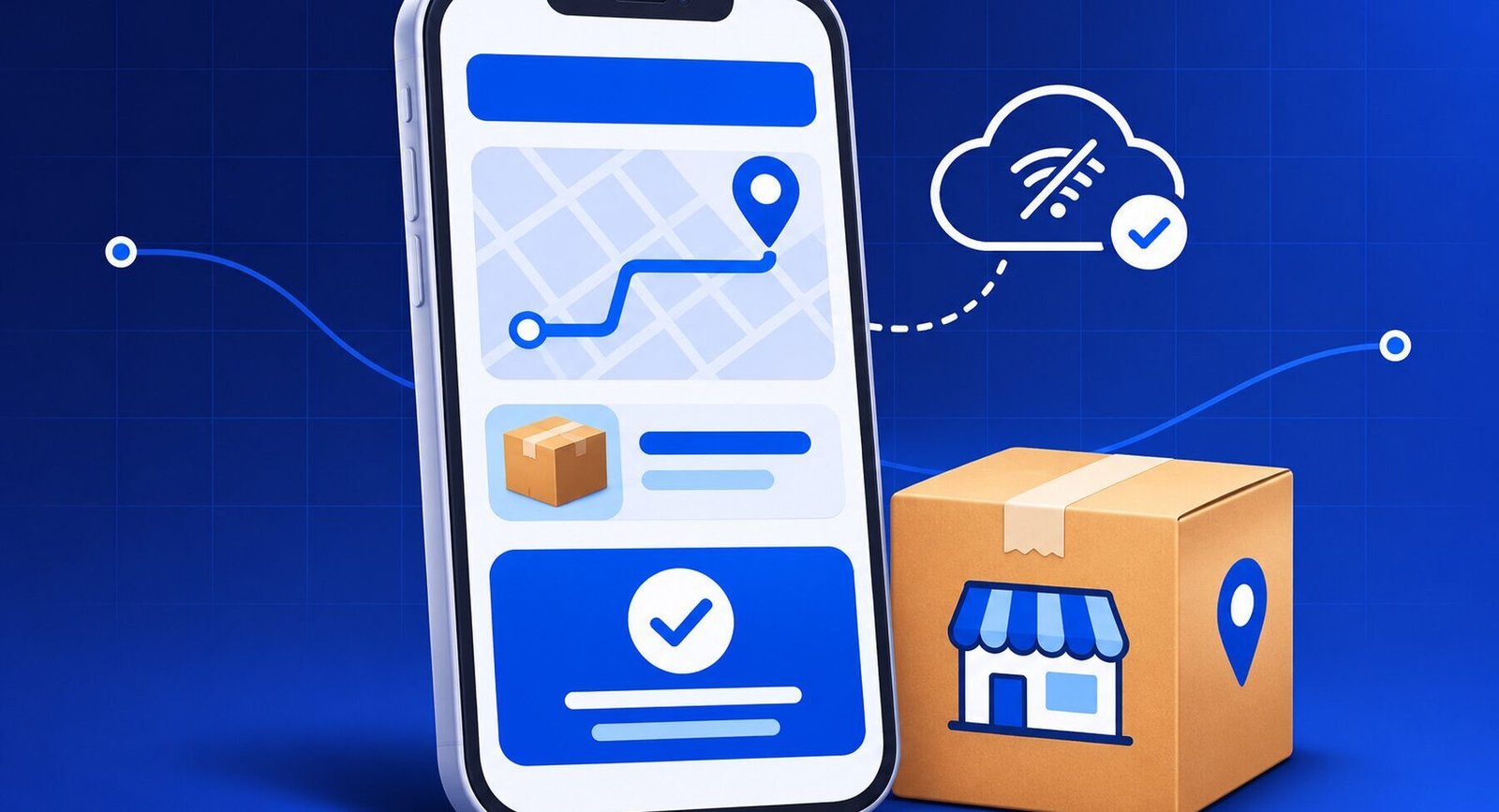
A delivery driver reaches a shop in Ibadan and taps to confirm that an order has arrived. The signal drops. The driver still needs to know whether the confirmation was saved, and the office needs to know whether to call the customer. Designing that moment well is part of mobile app development in Nigeria.
When you scope a new app, begin with the most important thing a customer or employee needs to complete. Work out how they do it today, the phone they use, and what happens when the service is interrupted. Then you can make a sound decision about the features and platform to build first.
Decide what the first version must help someone do
A retailer might let regular buyers reorder products from a phone. A logistics company might allow a driver to capture proof of delivery. A training provider might give learners a simple way to see a course they have booked and read joining instructions. Choose one audience and write down what counts as a completed task.
Watch a few intended users work through a rough prototype on their own phones. If they pause, ask what they expect to happen next. A customer who knows their booking is confirmed has a different experience from one who taps again because the screen stopped responding.
Design for the phones and networks your customers use
GSMA’s Mobile Economy Africa 2026 report estimates Africa’s mobile internet usage gap at 63% of the population in 2024. The figure describes people living within coverage who were still offline. Constraints such as device affordability affect how teams think about access, so use your own customer tests to understand what matters in your particular market. Read the GSMA report.
For a Nigerian pilot, test the key screen on a modest Android phone and on the connections your users actually rely on. Keep images light, make status messages readable, and preserve progress during interruptions where the task allows it. A field worker can save a draft delivery update locally. Once it reaches the server, the app can show that it has been submitted. If the app includes checkout, the payment integration should show a clear pending status until the provider confirms the transaction.
A lesson from a live broadcast in Atlanta
In 2005, Dr. Stanley Fongod launched a live-streaming service for the Church of God in Christ in Atlanta. His streaming encoders and servers for that work were hosted from his California operation. The service had to carry a live event across a chain of systems to the people watching it.
An app has a delivery chain, too. The phone, network, application server, and any payment or notification provider all affect what the user sees. Use a pilot to observe the full transaction and its recovery when a step is interrupted. Give the customer or employee a way to continue with confidence.
Should you start with a web app or a native app?
A mobile-friendly web app can be a good starting point for bookings, enrolment, or ordering by people who arrive from a link. For staff who use a tool every day and depend on device features such as camera capture, durable offline work, or push alerts, a native or cross-platform app might fit better. Decide after checking how the users work and which device features the workflow requires.
A useful pilot records how many people complete the main task, where they give up, and whether they need support. Pick one customer group or operations team and agree on a target before adding features. When you enter a second African market, run the same test again using that market’s phones, network conditions, and routines.
If you need help scoping a mobile or web app, bring a sample order, booking or field task and tell us who will do it. Plan your app with Invicta.